
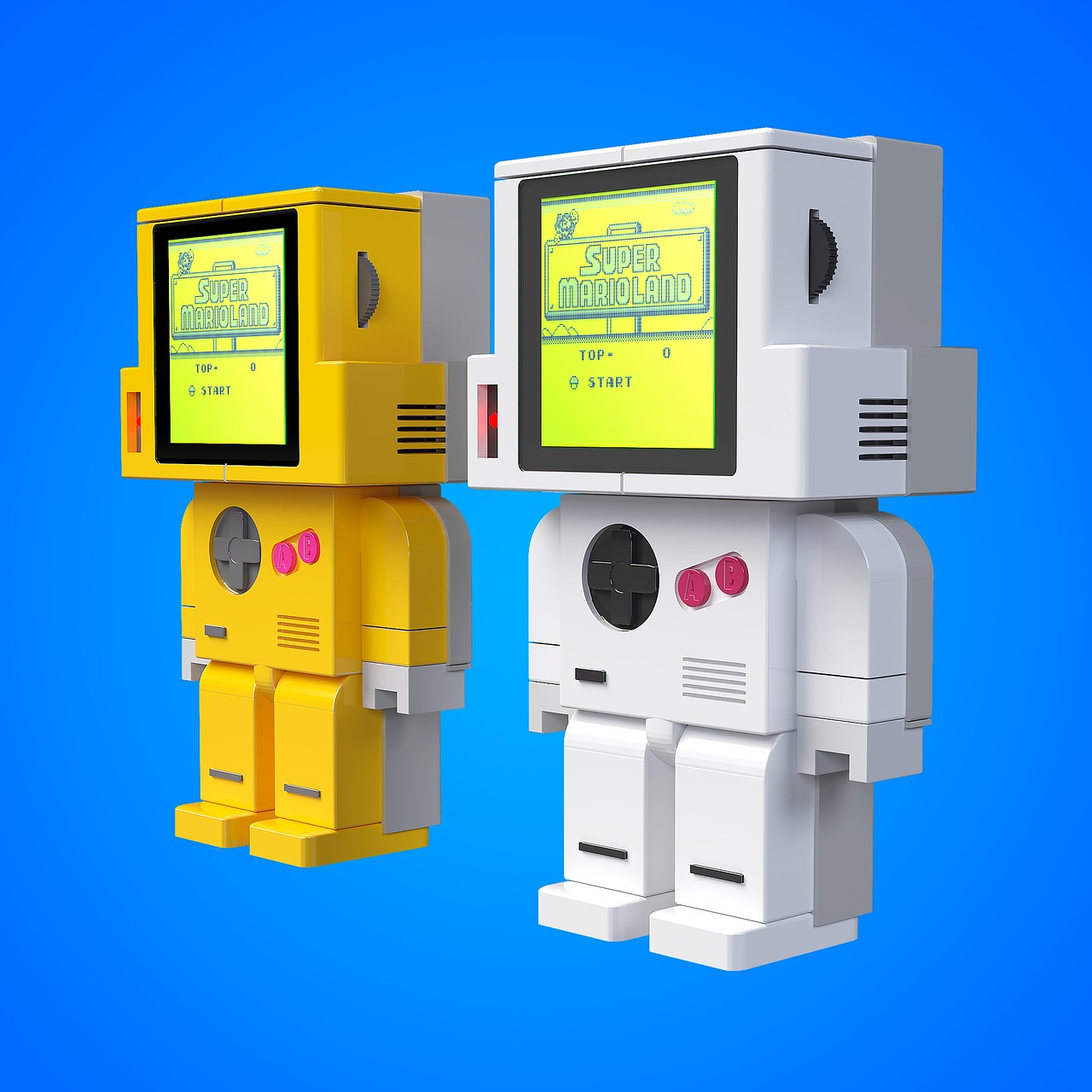
Web design has always borrowed from other creative disciplines. Architecture influenced grid layouts, print design shaped typography on screen, and motion graphics changed how we think about transitions. But over the past few years, one of the most interesting sources of inspiration has come from an unlikely place: the gaming industry.
Gamification is no longer limited to loyalty programs or fitness apps. Designers are now applying game mechanics to everything from e-commerce checkouts to corporate dashboards. The core idea is simple. If you can make an interaction feel rewarding, users will come back. And the results speak for themselves.
Progress bars and micro-rewards
One of the most widely adopted gamification elements is the progress bar. LinkedIn was among the first mainstream platforms to use it, nudging users to complete their profiles by showing them a percentage score. Today, this pattern shows up in onboarding flows, multi-step forms, and subscription setups.
What makes a progress bar effective is the same psychological principle behind leveling up in a video game. Users feel a sense of accomplishment with each completed step, and that dopamine hit encourages them to keep going. According to research from the Nielsen Norman Group, adding these small feedback loops can increase form completion rates by as much as 20%.
Micro-rewards take this further. Badges, confetti animations after a purchase, or unlocking a discount code after completing a certain action all tap into the same instinct. The key is subtlety. Nobody wants to feel like they are being manipulated, but a well-placed reward can turn a forgettable experience into a memorable one.
Visual design lessons from the gaming world
Game interfaces have become remarkably sophisticated. Mobile games, browser-based experiences, and even online slot platforms invest heavily in visual storytelling, using color psychology, animation timing, and layered UI elements to keep users engaged. Web designers can learn a lot from studying these interfaces, particularly when it comes to creating hierarchy and directing attention.
Consider how a well-designed game tutorial gradually introduces complexity. The user is never overwhelmed. Each new feature appears at the right moment, with clear visual cues. This same approach works brilliantly for SaaS onboarding or complex web applications where users need to learn a workflow step by step.
Interactive storytelling and scroll-based experiences
Another growing trend is the use of scroll-triggered animations and interactive storytelling. Sites like Apple’s product pages have popularized this approach, but indie designers and agencies are taking it much further. Some portfolio sites now feel more like playable experiences than traditional web pages.
This trend raises an important question about accessibility and performance. Heavy animations can slow down page load times and create barriers for users with motion sensitivities. The best implementations offer a reduced-motion alternative and keep file sizes lean by using SVG animations and CSS transitions instead of heavy JavaScript libraries.
Where this is heading
The line between websites and interactive experiences will continue to blur. With WebGL becoming more accessible and frameworks like Three.js lowering the barrier to 3D content on the web, designers have more tools than ever to create immersive digital environments.
That said, the fundamentals have not changed. Good design still starts with understanding the user’s goal and removing friction. Gamification works best when it supports that goal rather than distracting from it. A progress bar that helps someone finish a task is great design. A pointless leaderboard that nobody asked for is noise.
For WordPress developers and theme designers, the takeaway is clear. Start small. Add a completion indicator to your contact form. Experiment with hover states that feel responsive and alive. Test whether a subtle animation increases engagement on your call-to-action buttons. The gaming world has decades of research on what keeps people clicking, and it would be a waste not to use it.